Table of Contents
Ready to Get Started?
Get the latest CRM insights and resources delivered directly to your inbox.
Start Free Trial22 Aug 2025
3 min read
Projects Module
The Projects Module is designed for managing larger initiatives that require a coordinated effort. A project is a logical group of tasks that can be created after a deal is won, making it a powerful tool for coordinating post-sale activities like onboarding, implementation, and product rollouts. This module provides a centralized platform to break down large projects into manageable tasks, assign responsibilities, track progress, and ensure deadlines are met. It is an essential tool for any business that works on a project basis, such as a software company building a website, a solar or lift installation firm, or an interior design agency.
The Project Lifecycle Workflow
The project workflow is a seamless transition from sales to project execution, typically initiated after an opportunity has been successfully closed.
- Project Creation: A project can be created directly from an "opportunity" or "deal" once the sales stage is marked as "Closed Won". For instance, after winning a solar installation deal, a project can be launched to manage the implementation. A project can also be created for a new customer.
- Task Management: The project is broken down into individual Project Tasks and organized by Project Milestones, which act as goalposts to track progress.
- Monitoring & Communication: The system provides various tools to monitor project progress, track time, and send automated notifications, ensuring that key stakeholders are always informed.
Core Components of a Project
Project Templates
Project Templates are a powerful feature that saves your team from having to create the same tasks repeatedly for similar projects. For a business with repeatable processes, such as interior design or solar installation, a template can automatically populate a project with all the necessary tasks.
For example, a "Solar Installation" template could include predefined tasks like:
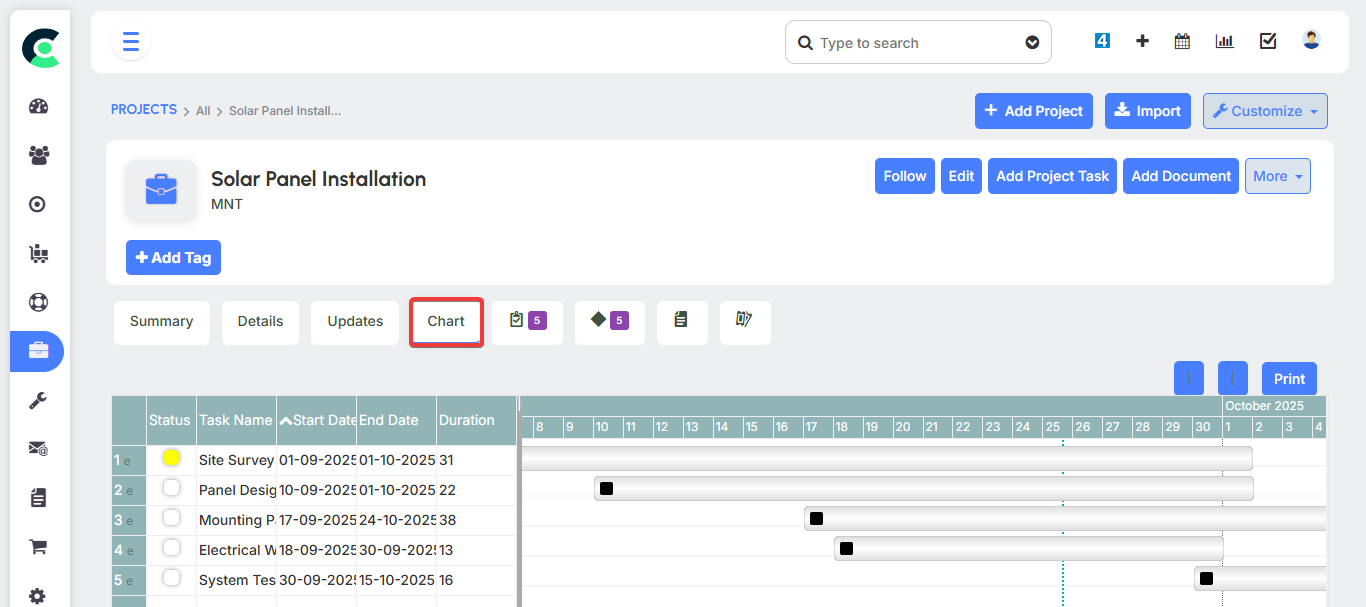
- Site Survey
- Panel Design
- Mounting Panels
- Electrical Wiring
- System Testing
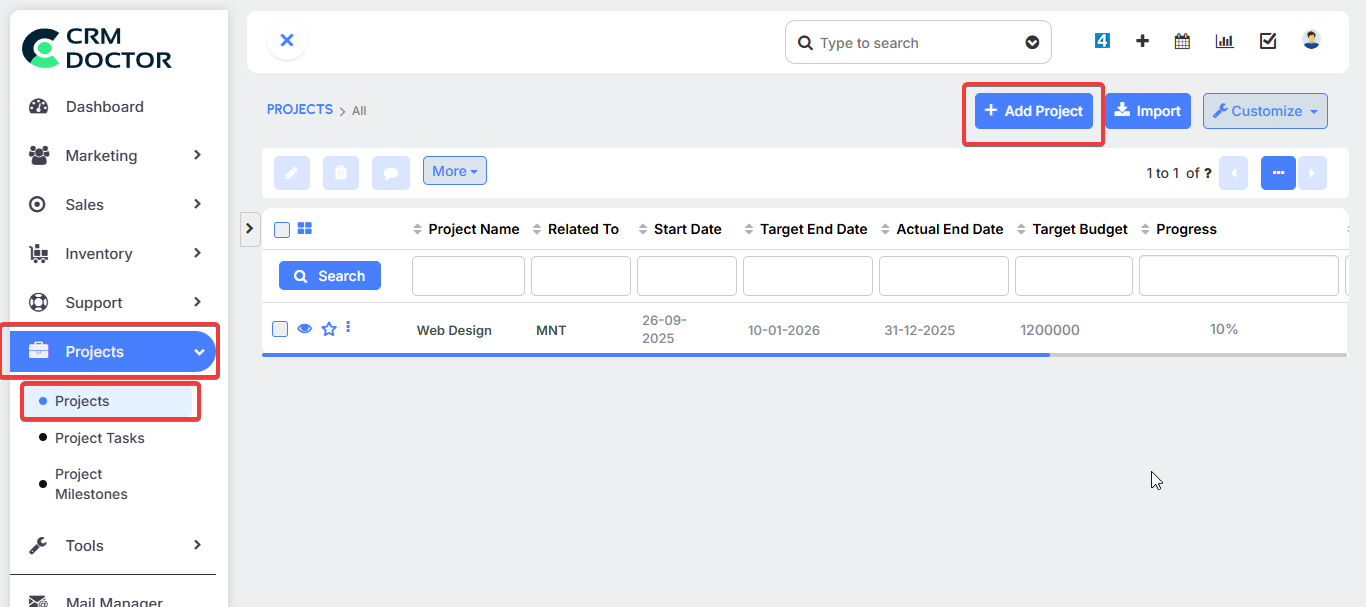
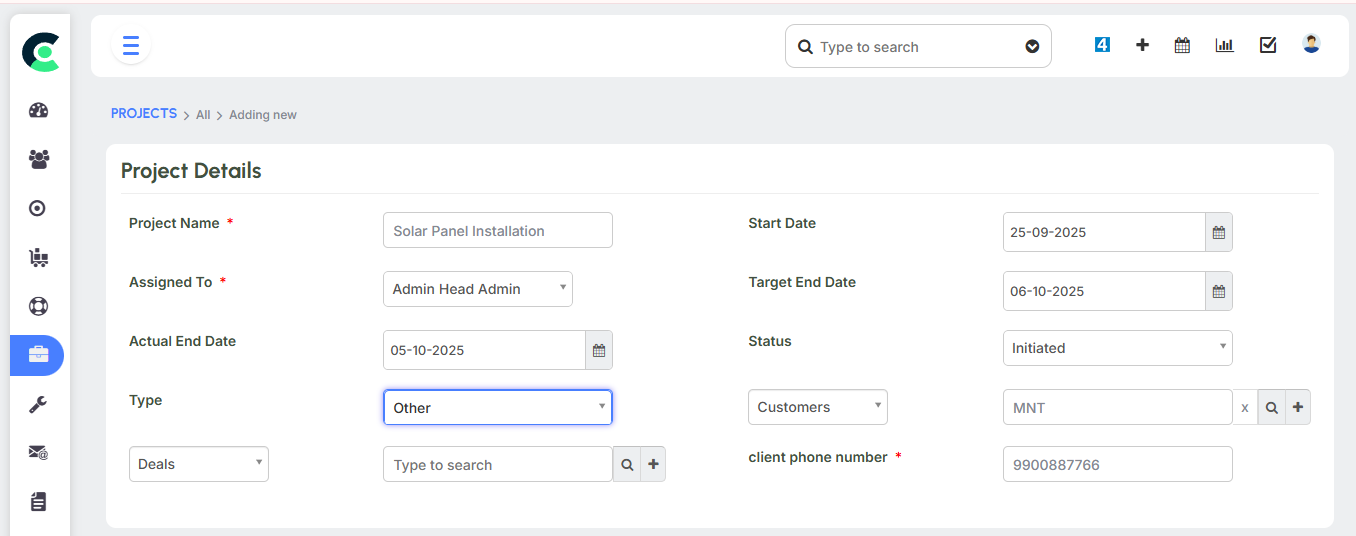
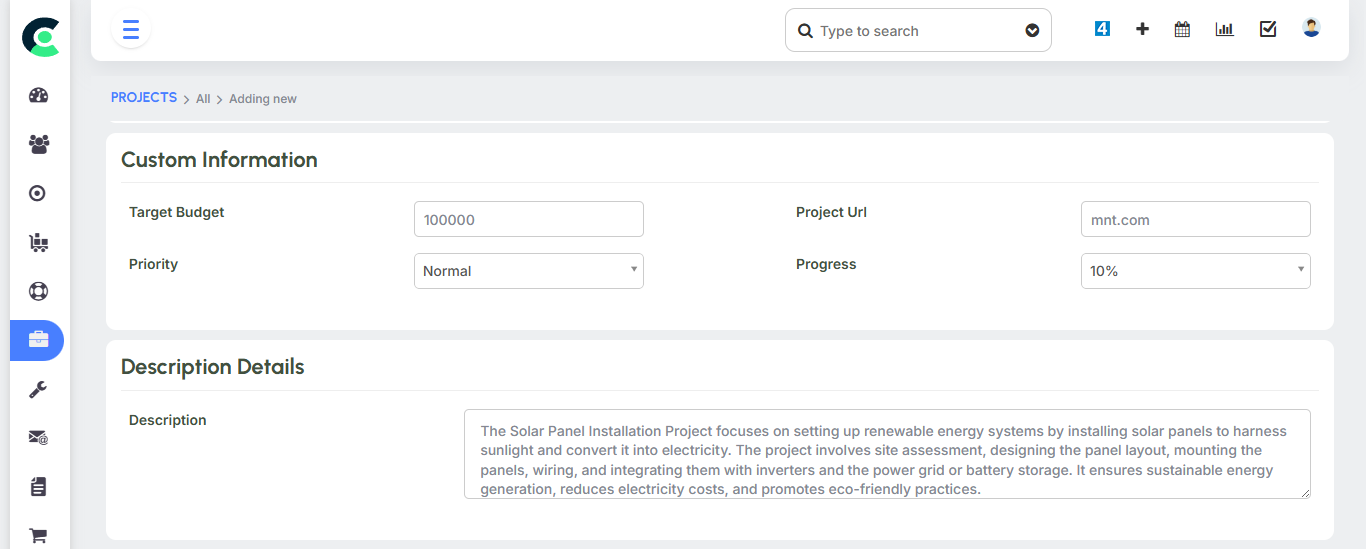
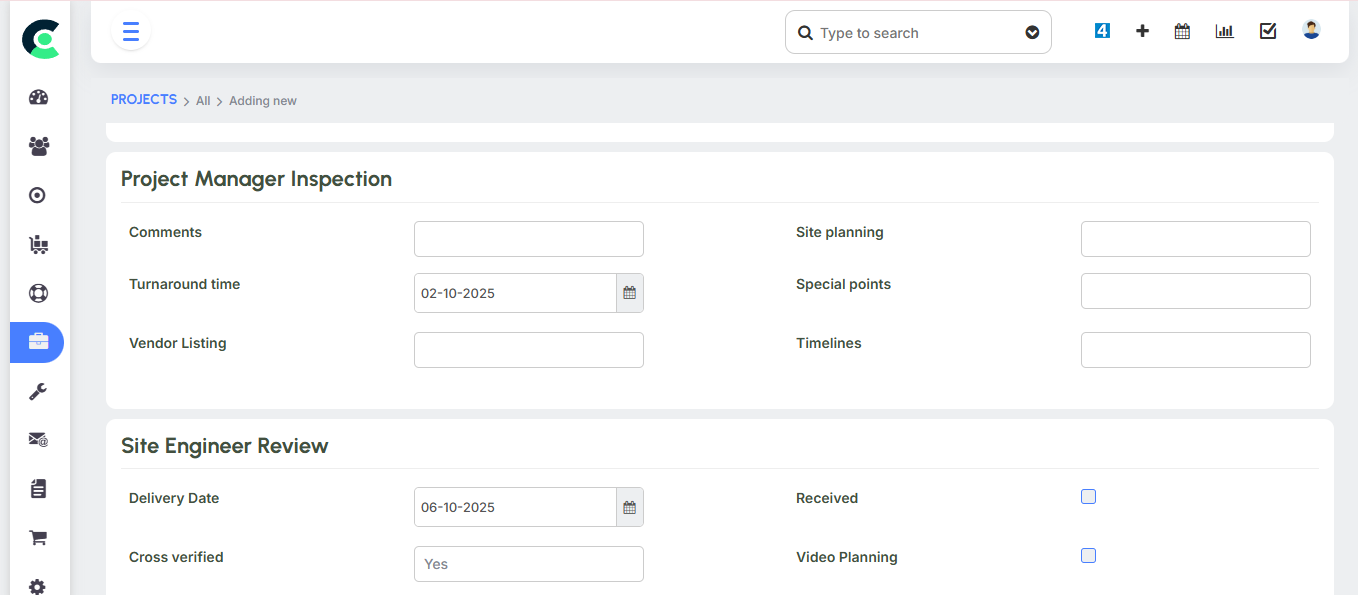
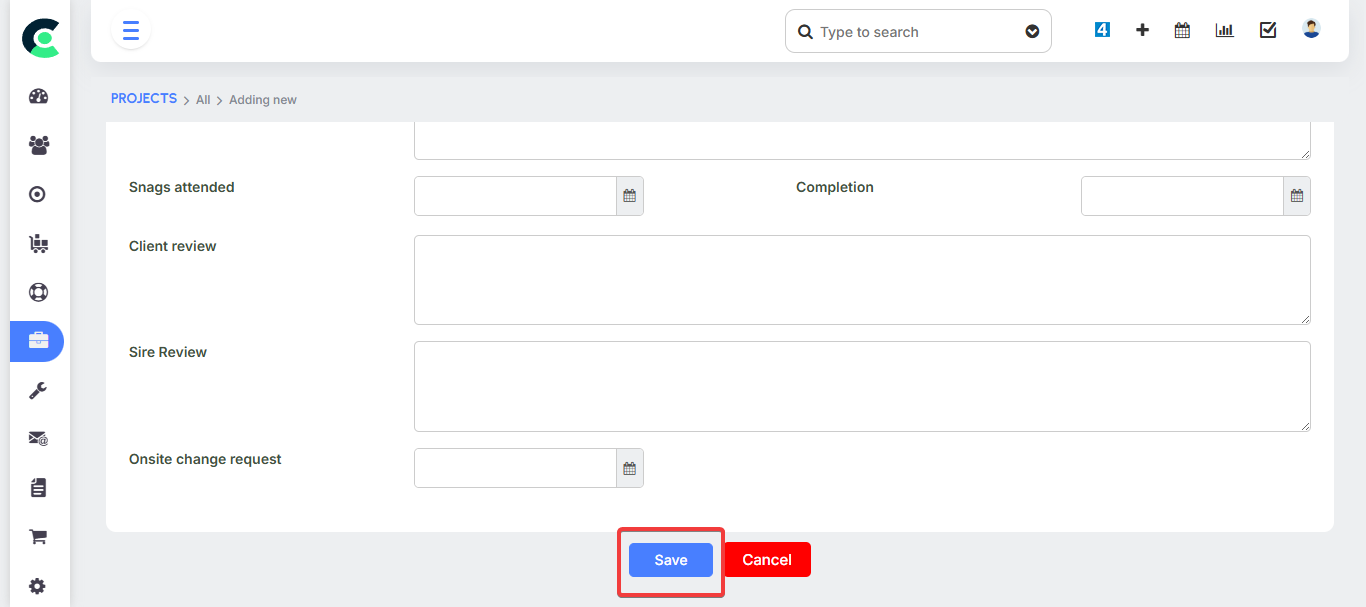
This feature ensures consistency across all your projects and standardizes your business processes.
Project Tasks & Task Dependencies
Project Tasks are the individual to-dos that form the building blocks of a project. Each task can be assigned to a specific team member and given a start date and an end date.
A key feature is task dependency. The system can be configured so that one task cannot be completed until its preceding task is finished. If a user tries to mark a task as complete before the preceding one is done, the system will "show an error". This functionality is crucial for maintaining a logical workflow and preventing tasks from being completed out of order.
Project Milestones
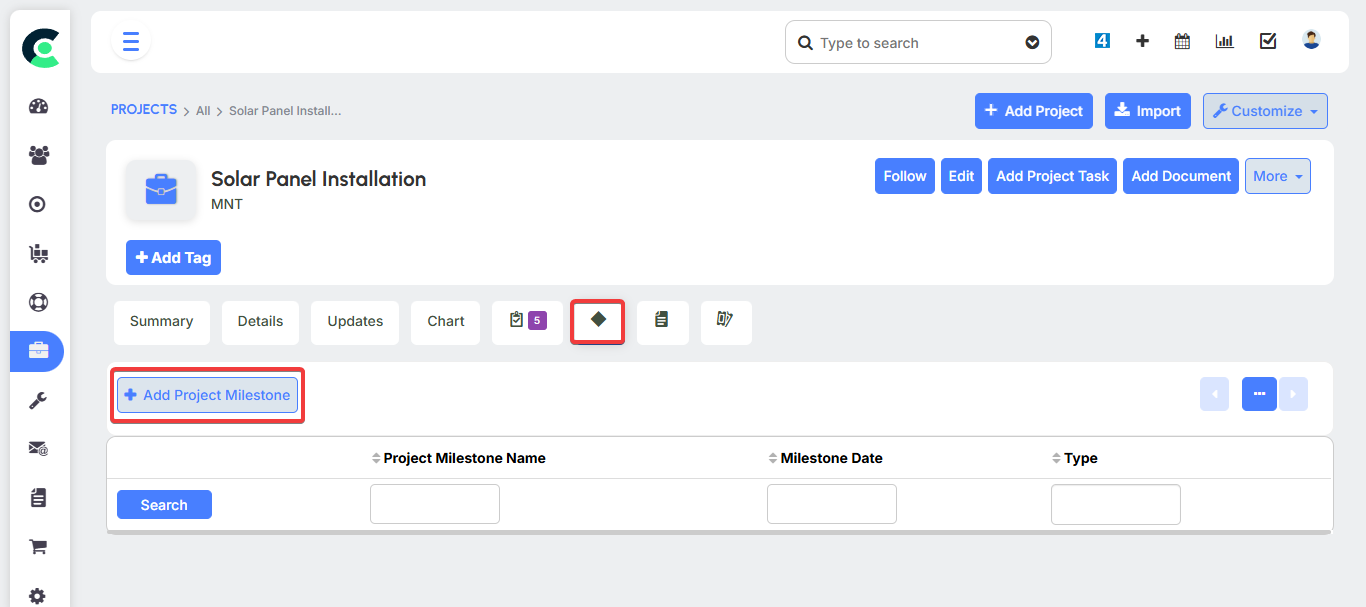
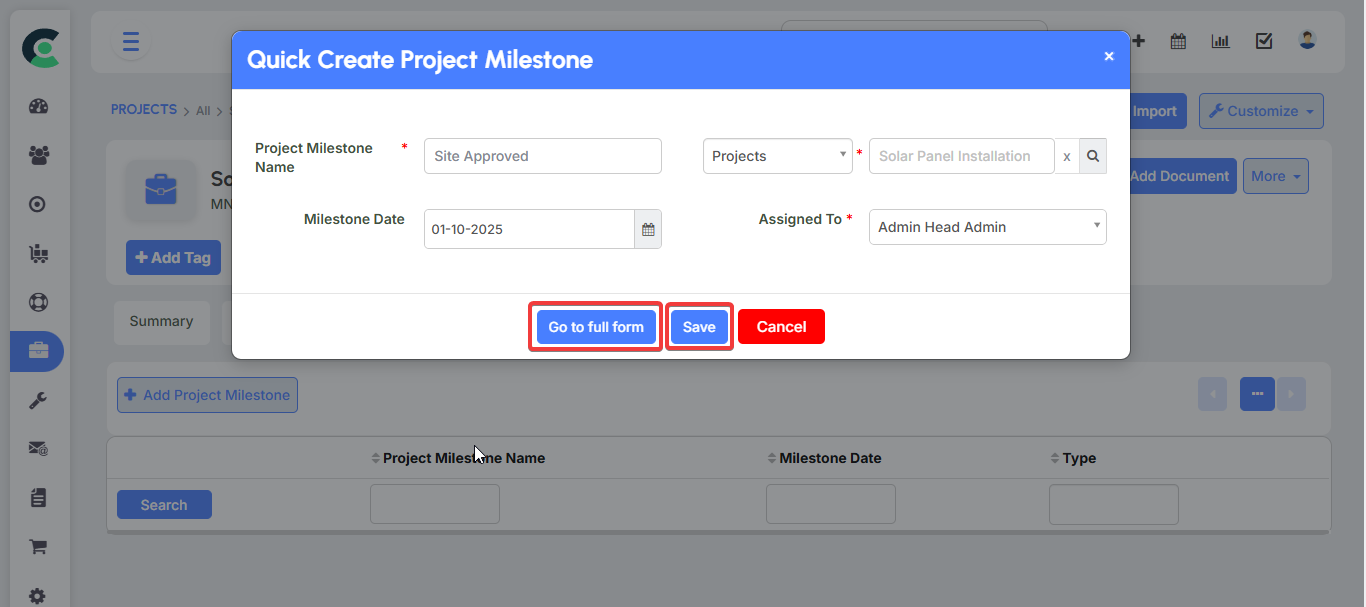
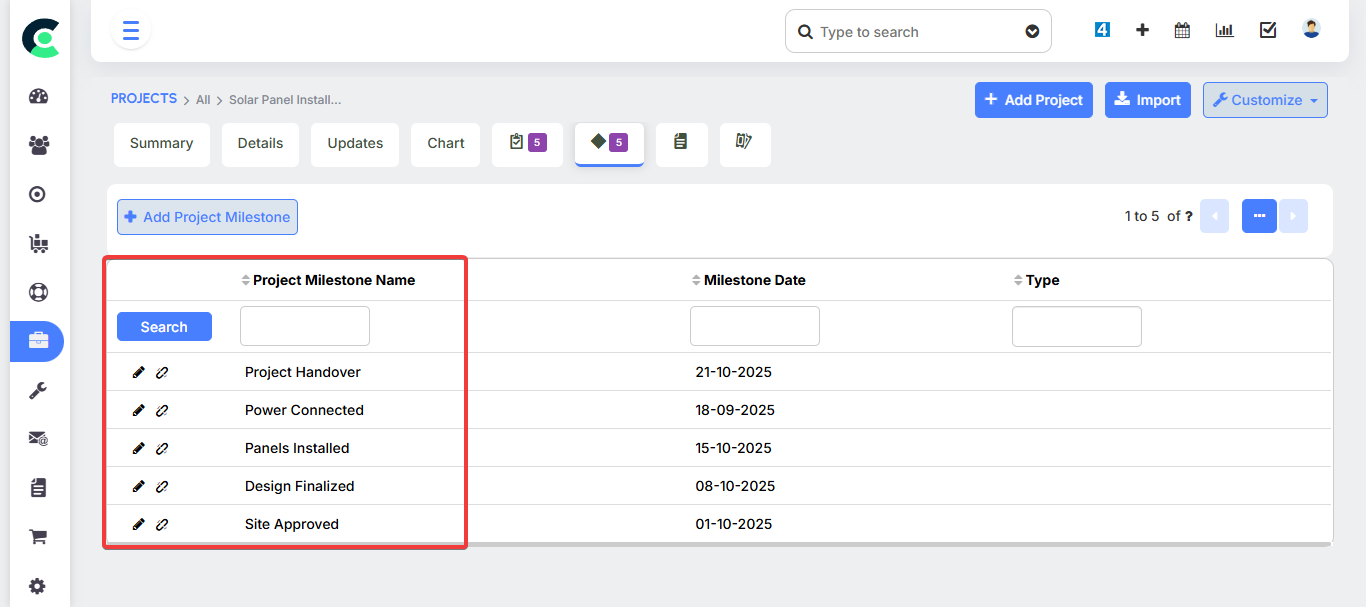
Milestones are key checkpoints that mark significant stages of a project's progress. They are used to set clear goals and track overall project completion.
Advanced Project Management Features
Multiple Views and Reporting
The Projects Module offers various ways to visualize and track a project's progress in real-time. This helps managers get a quick overview and team members stay on top of their work.
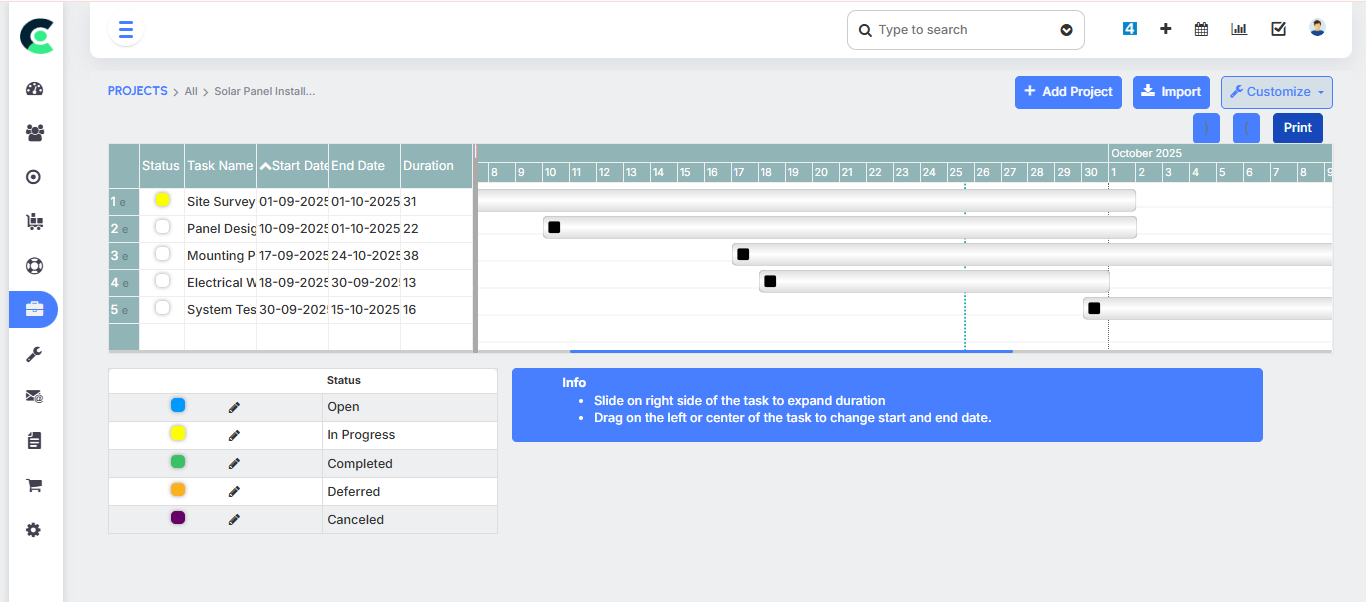
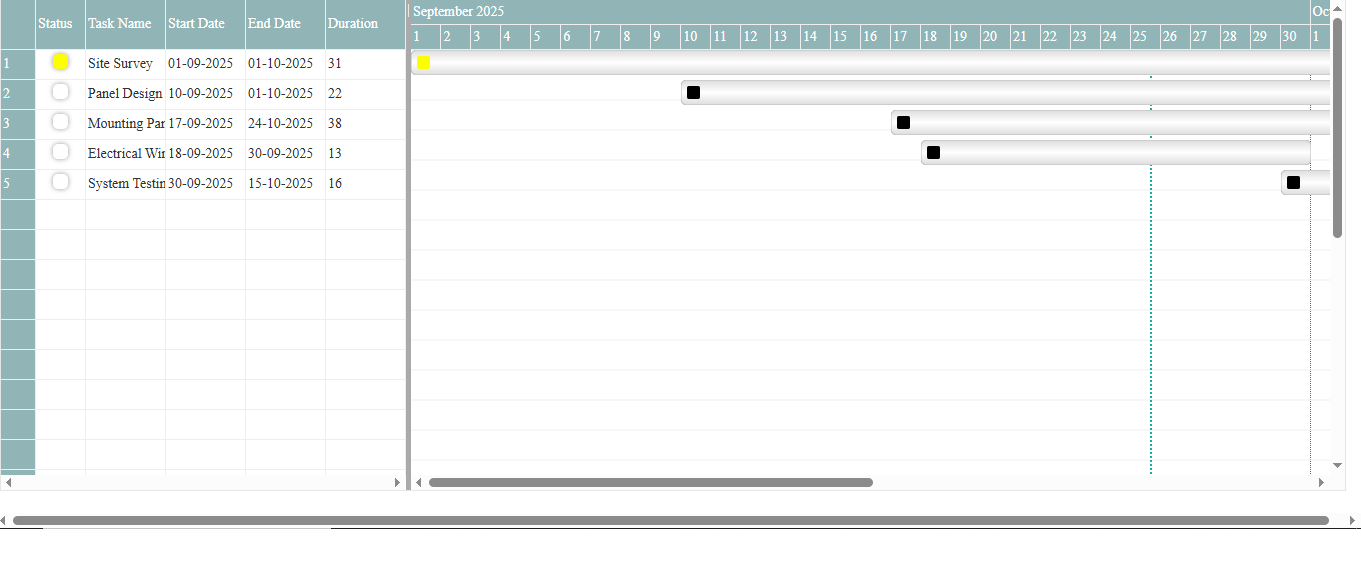
- Gantt Chart: This chart provides a visual schedule of all project tasks and their timelines.
- Kanban View: This view displays tasks on a board-like interface, often grouped by status (e.g., "In Progress," "Completed"), making it easy to track task flow.
- Dashboard View: The dashboard provides a high-level overview of key project metrics, such as the number of open tasks and those with high priority.
- Worldview: This is a comprehensive view that gives you an overview of all projects, showing their progress and any delayed tasks.
Time Tracking
The system includes a Time Tracking feature that allows users to record the time spent on a specific task. By clicking a timer, a user can log their work hours, providing accurate data for billing and internal performance analysis.
Project Notifications and Escalation
The system can send automated project notifications to relevant team members. Task escalation is a core function, automatically alerting managers if a task's deadline has passed and it is still not completed.
Team Collaboration
The module also includes features that facilitate team collaboration on tasks and projects.